Payment

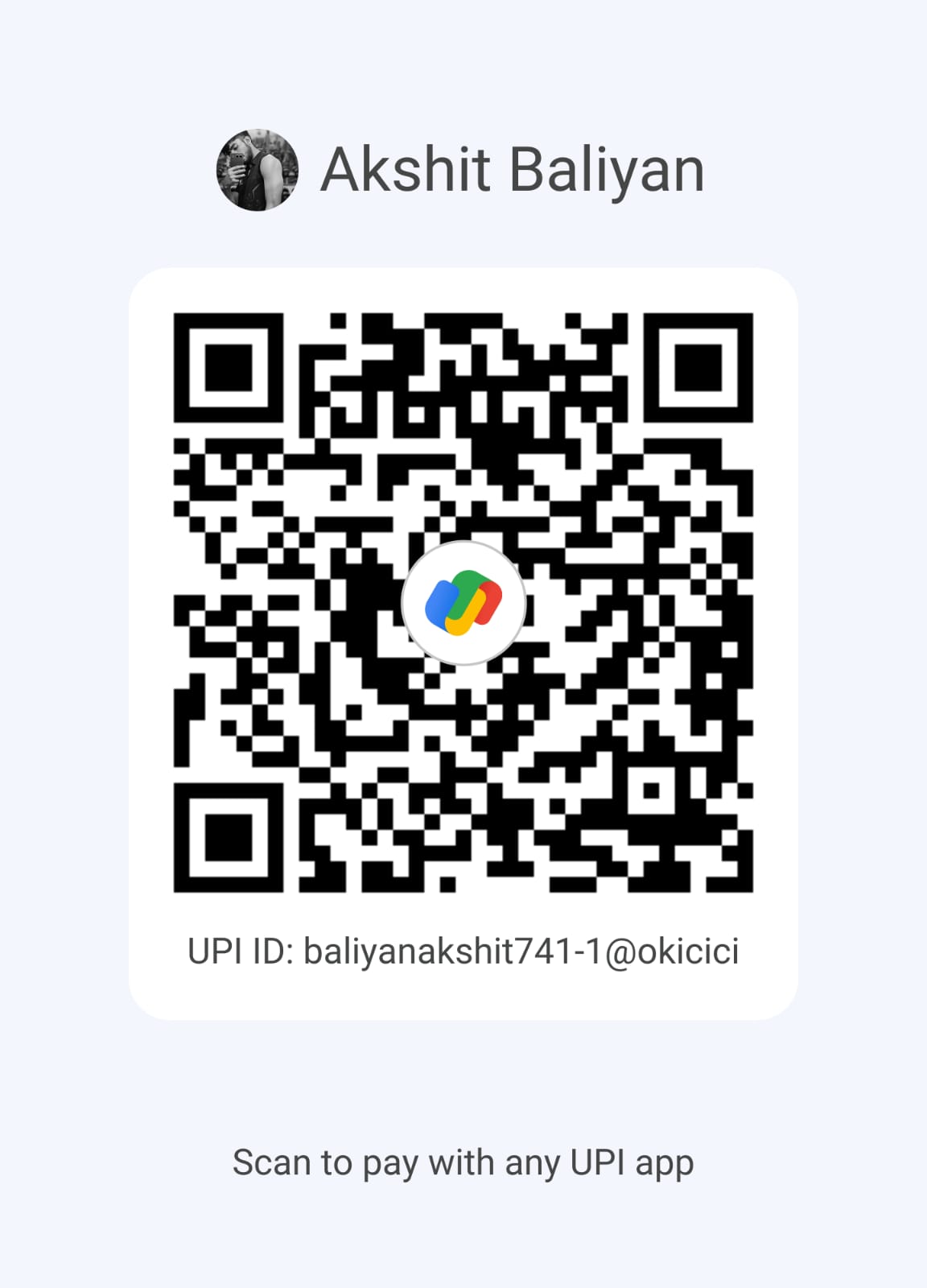
Scan any of the QR codes below using your UPI or banking app and complete the payment. Follow the short instructions to finish.

Scan to Pay — Option 1
QR code 1
Recommended for UPI apps (Google Pay, PhonePe, Paytm, etc.).
Scan to Pay — Option 2
QR code 2
Backup QR (bank/alternative). Use if first QR doesn't work.

How to pay (quick)

  1. Open your UPI or banking app and tap Scan QR.
  2. Scan either of the QR codes above and enter the exact amount shown on the Hire page or invoice.
  3. Confirm the payment in your app — the transaction completes instantly.
  4. If you want a record, take a screenshot of the confirmation or note the UPI Txn ID shown in your app.

Notes: This page only provides QR codes and instructions — we are not integrating a payment gateway in this demo. If you want me to capture receipts automatically (server required), I can add a simple backend later.

Need help?